Quiet Power Meets Wireless Performance
Skip to product information
1 of 1

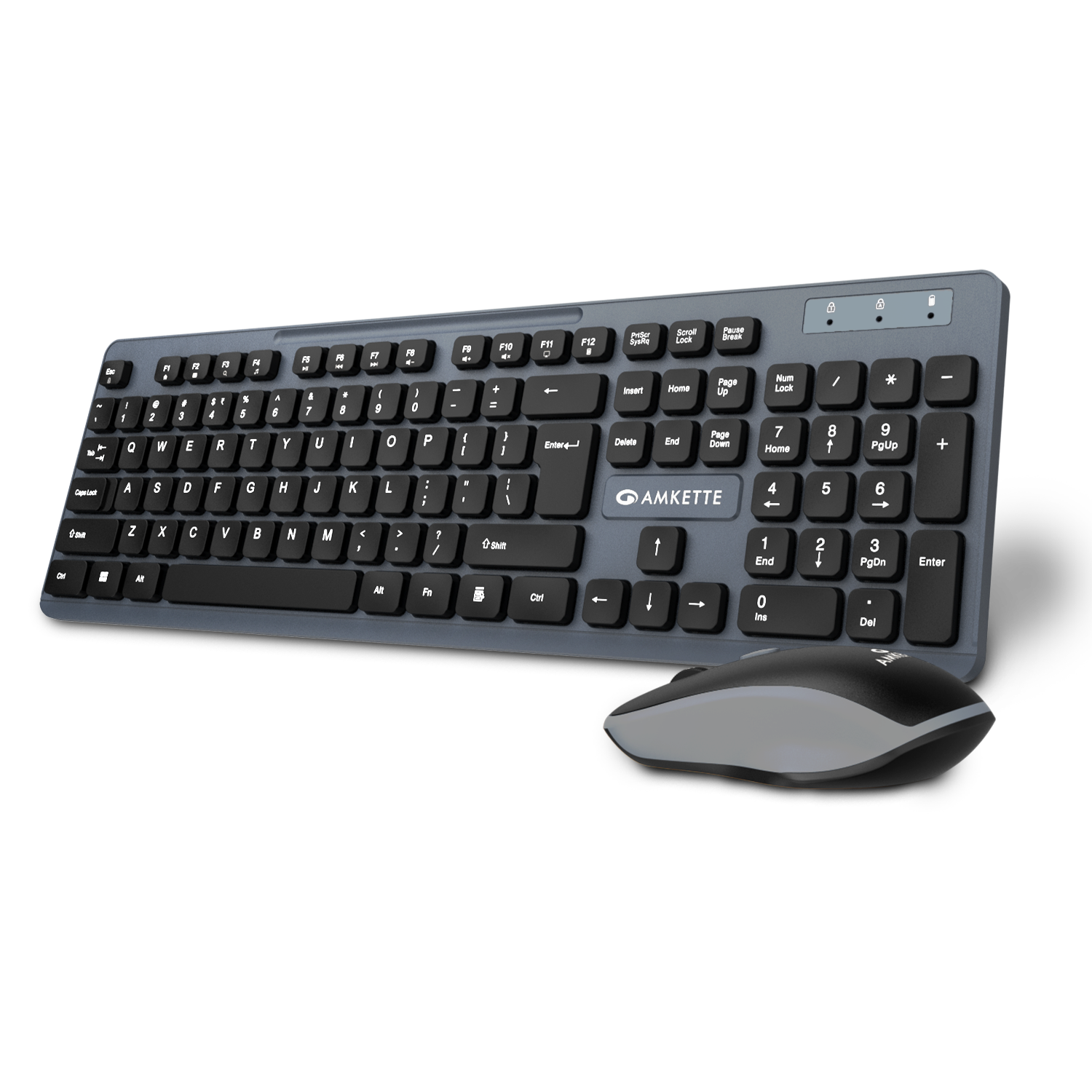
Primus NXT Wireless Keyboard and Mouse

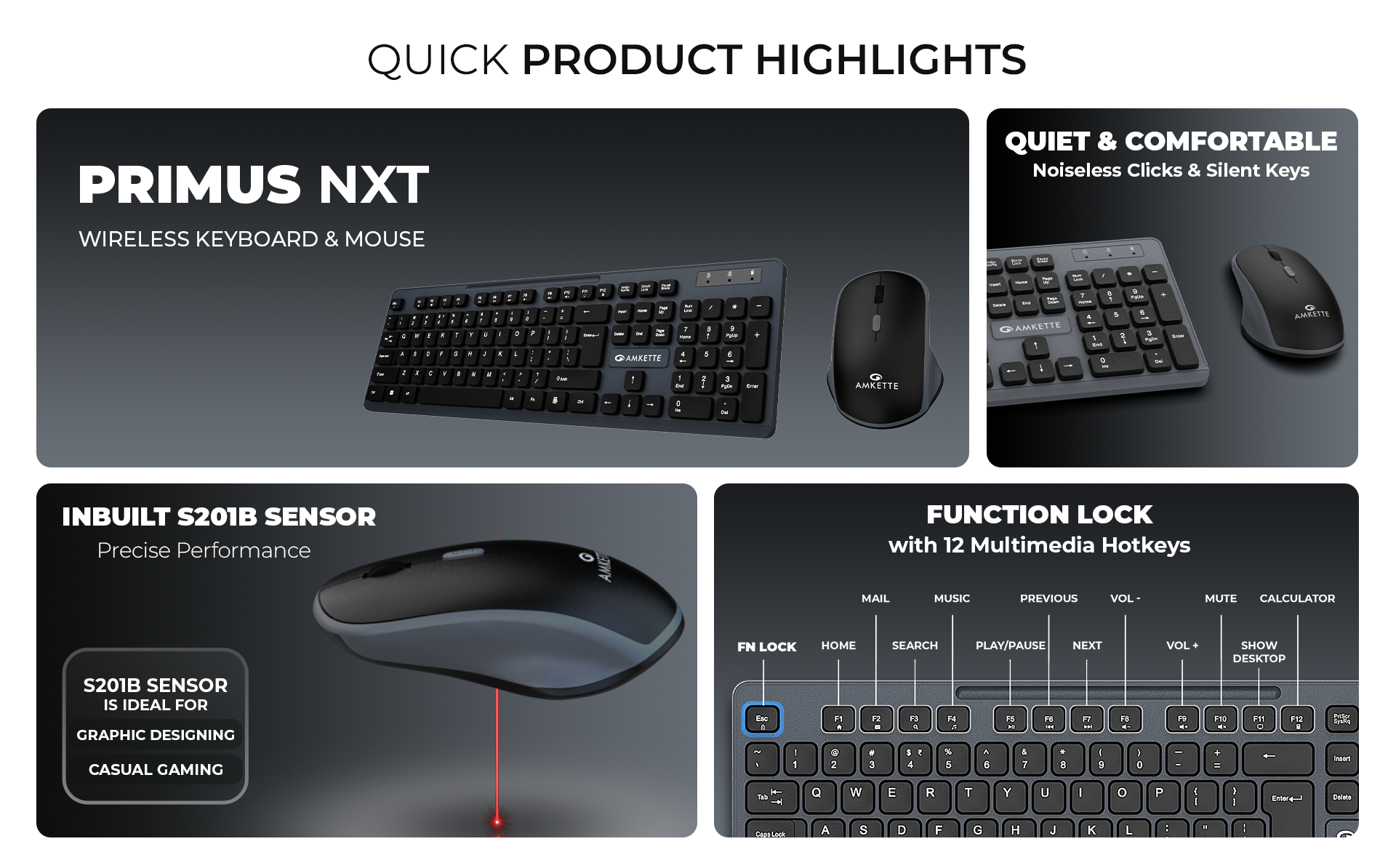
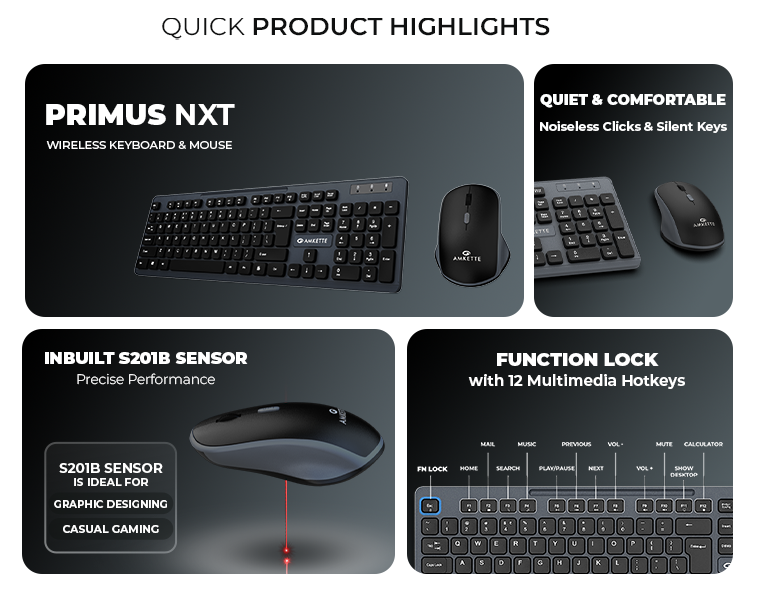
Silent Keyboard Keys & Silent click Mouse
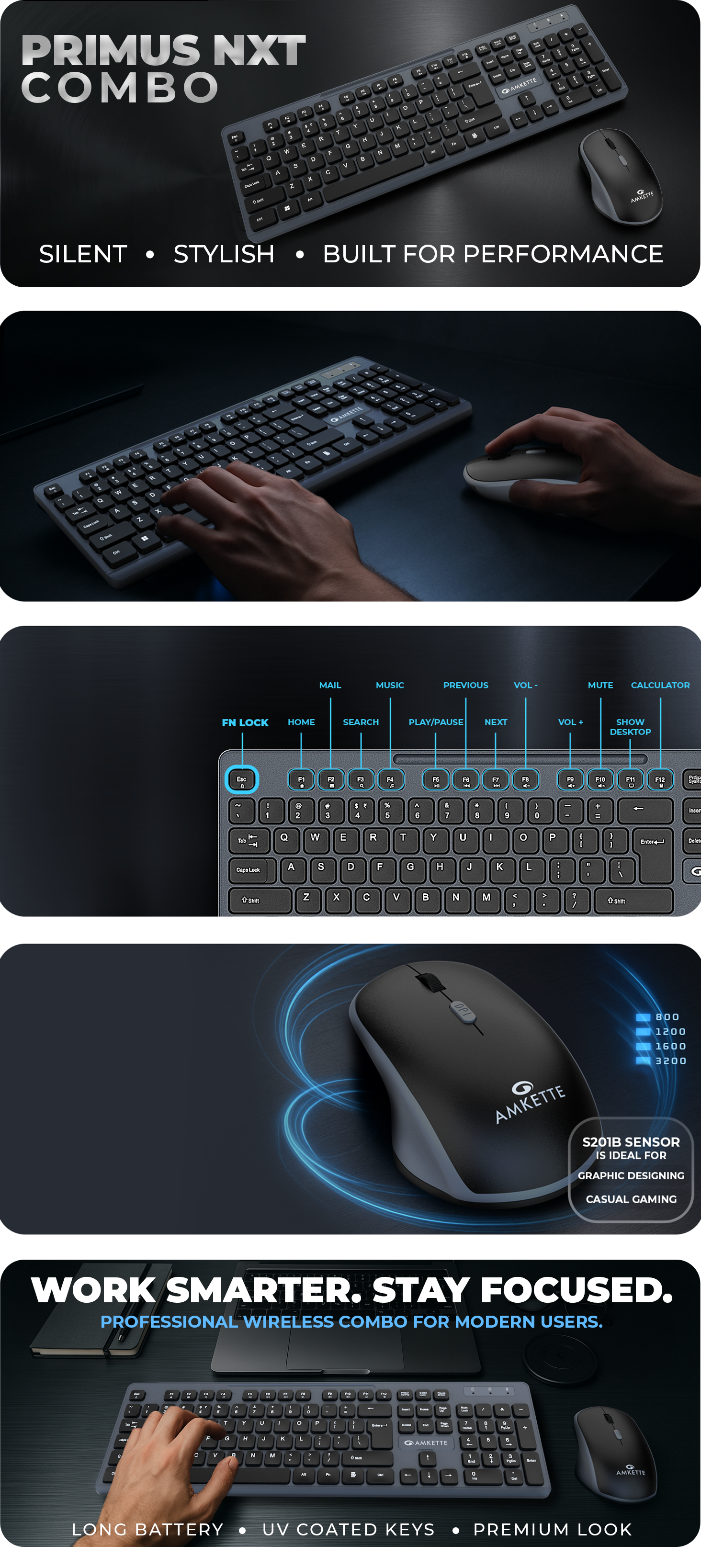
12 Multimedia Hotkeys for Quick Control
2.4GHz Lag-Free Wireless Connectivity
Regular price
Rs. 999.00
Sale price
Rs. 999.00
Regular price
Rs. 1,599.00

MRP (Inclusive of all taxes)

Tax included. Shipping calculated at checkout.
Primus NXT Wireless Keyboard and Mouse
Amkette Primus NXT Wireless Keyboard & Mouse Combo – Silent Keys, 12 Hotkeys, 3200 DPI Mouse
Amkette Primus NXT Wireless Keyboard & Mouse Combo with silent keys, 12 hotkeys, 3200 DPI mouse, lag-free 2.4GHz wireless, ergonomic design, and long battery life.

Specifications

SpecificationsDetails
Keyboard – Technical Specifications
TypeWireless Membrane Keyboard
Connectivity2.4GHz Wireless via USB Nano Receiver
Wireless ICHantianxia BYKC
Key TypeSilent Keys
Multimedia KeysF1–F12 (Accessed via Fn key)
Fn Lock FunctionFn + Esc toggles Function/Multimedia keys
LED IndicatorsBlue LEDs for Num Lock, Caps Lock, Low Battery
Battery Requirement1 x AA (Not Included)
Build FeaturesPre-Paired with Mouse
Mouse – Technical Specifications
TypeWireless Optical Mouse
Connectivity2.4GHz Wireless via USB Nano Receiver
Wireless ICHantianxia
Sensor TypeOptical Sensor – S201B
DPI Levels800 / 1200 / 1600 / 3200 (Adjustable via DPI Button)
ButtonsLeft, Right, Scroll Wheel, DPI Button
Click TypeSilent Clicks
Power SwitchOn/Off Switch
Battery Requirement1 x AA (Not Included)

  • Secure Checkout

  • Free Shipping

  • Easy Returns

  • 24x7 Support

FAQs

What's in the box?

1 x Keyboard
1 x Mouse
1 x QSG

Do the keyboard and mouse require separate USB receivers?

No, both the keyboard and mouse are pre-paired and connect using a single USB nano receiver for hassle-free setup.

Are the keys and mouse clicks silent enough for quiet environments?

Yes, both the keyboard and mouse feature silent operation—ideal for late-night use or shared workspaces.

How do I use the multimedia keys on the keyboard?

Press the Fn key along with F1 to F12 to access multimedia functions. You can toggle between multimedia and function mode using Fn + Esc

What is the DPI range of the mouse, and can it be adjusted

The mouse offers four DPI levels—800 / 1200 / 1600 / 3200—which can be changed using the dedicated DPI button

What type of batteries are required, and are they included?

Both the keyboard and mouse require 1 x AA battery each. Batteries are not included in the package.

Important Links