Skip to product information
1 of 1
Quiet Power Meets Wireless Performance

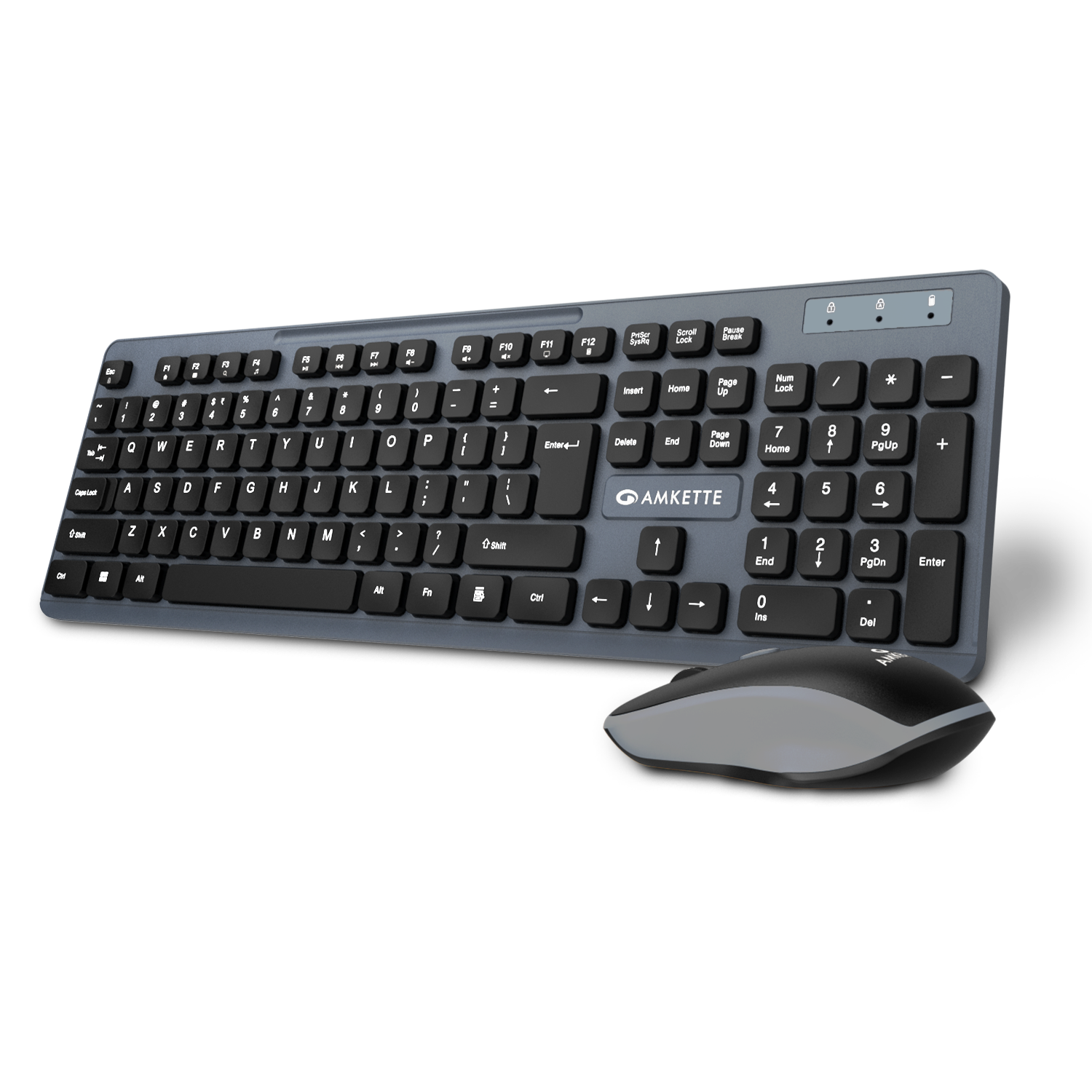
Primus NXT Wireless Keyboard and Mouse

100+ sold 🔥
Regular price
Rs. 999.00
Sale price
Rs. 999.00
Regular price
MRP Rs. 1,599.00
Tax included. Shipping calculated at checkout.
Key Features
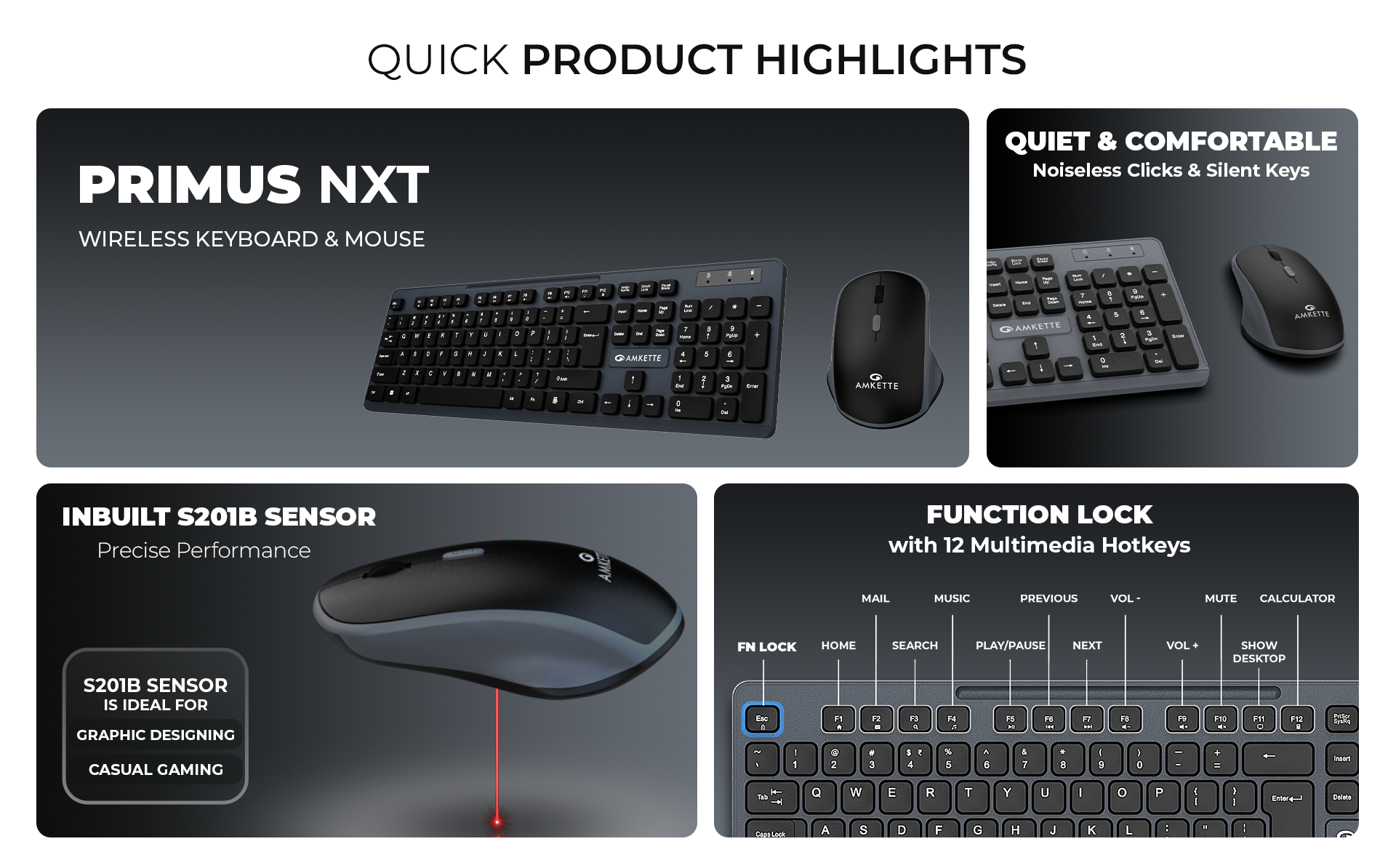
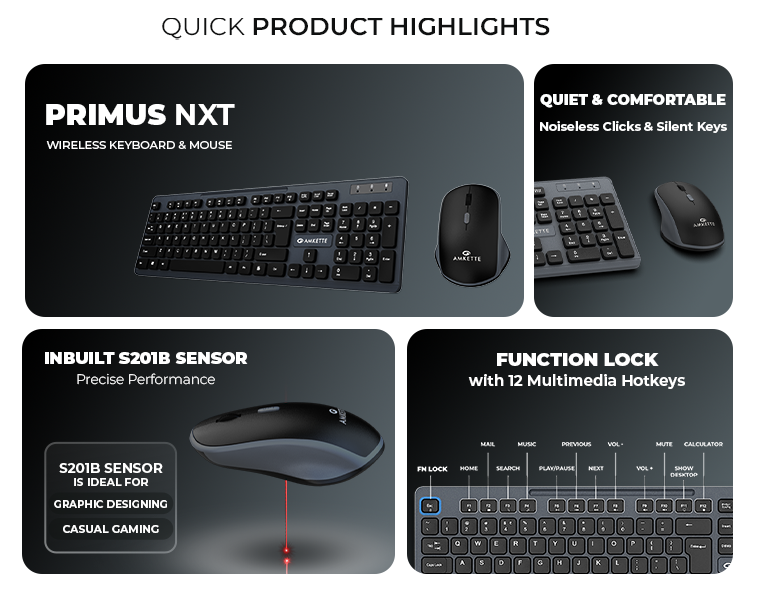
Silent Keyboard Keys & Silent click Mouse
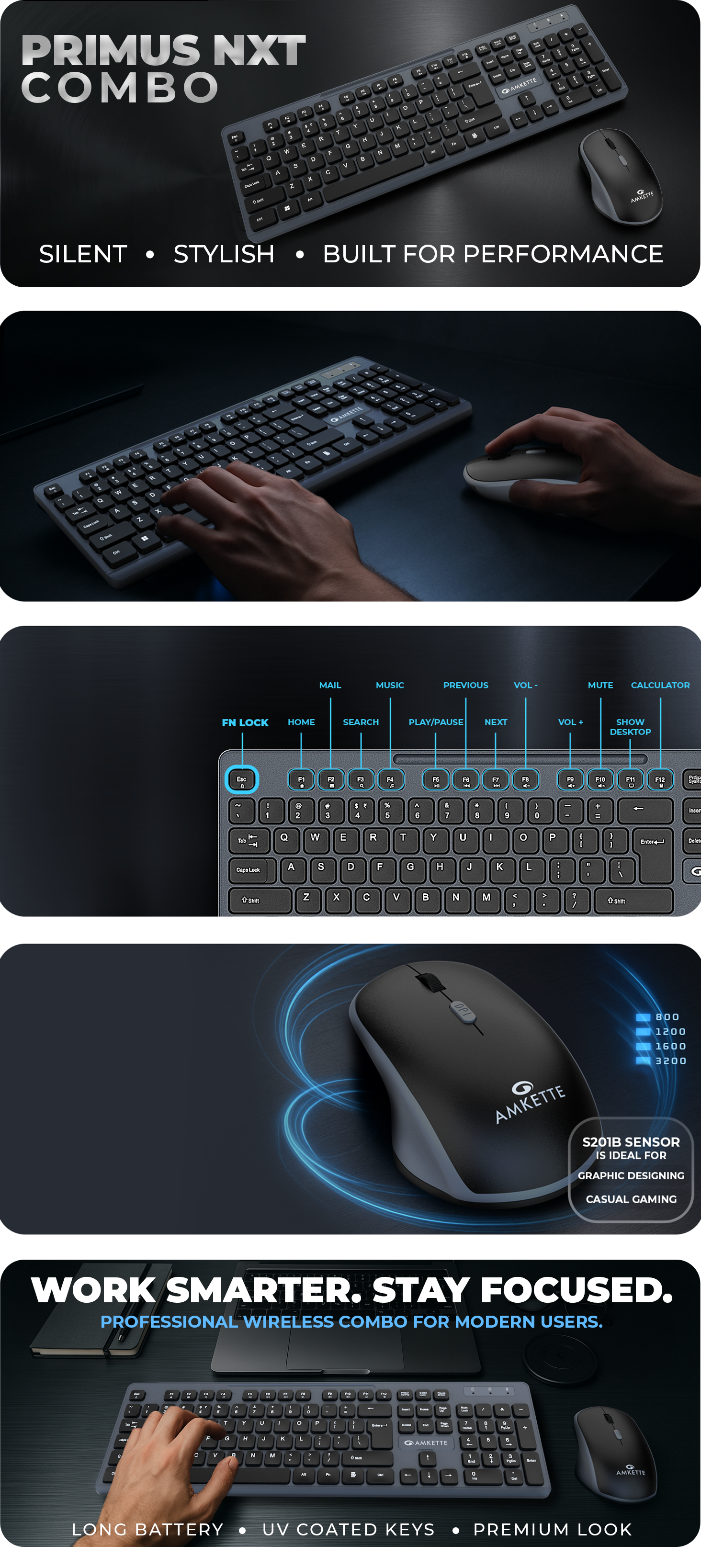
12 Multimedia Hotkeys for Quick Control
2.4GHz Lag-Free Wireless Connectivity

ALSO BUY ON

Primus NXT Wireless Keyboard and Mouse
  • Secure Checkout

  • Free Shipping

  • Easy Returns

  • 24x7 Support

Amkette Primus NXT Wireless Keyboard & Mouse Combo – Silent Keys, 12 Hotkeys, 3200 DPI Mouse
Amkette Primus NXT Wireless Keyboard & Mouse Combo with silent keys, 12 hotkeys, 3200 DPI mouse, lag-free 2.4GHz wireless, ergonomic design, and long battery life.

Specifications

SpecificationsDetails
Keyboard – Technical Specifications
TypeWireless Membrane Keyboard
Connectivity2.4GHz Wireless via USB Nano Receiver
Wireless ICHantianxia BYKC
Key TypeSilent Keys
Multimedia KeysF1–F12 (Accessed via Fn key)
Fn Lock FunctionFn + Esc toggles Function/Multimedia keys
LED IndicatorsBlue LEDs for Num Lock, Caps Lock, Low Battery
Battery Requirement1 x AA (Not Included)
Build FeaturesPre-Paired with Mouse
Mouse – Technical Specifications
TypeWireless Optical Mouse
Connectivity2.4GHz Wireless via USB Nano Receiver
Wireless ICHantianxia
Sensor TypeOptical Sensor – S201B
DPI Levels800 / 1200 / 1600 / 3200 (Adjustable via DPI Button)
ButtonsLeft, Right, Scroll Wheel, DPI Button
Click TypeSilent Clicks
Power SwitchOn/Off Switch
Battery Requirement1 x AA (Not Included)

FAQs

What's in the box?

1 x Keyboard
1 x Mouse
1 x QSG

Do the keyboard and mouse require separate USB receivers?

No, both the keyboard and mouse are pre-paired and connect using a single USB nano receiver for hassle-free setup.

Are the keys and mouse clicks silent enough for quiet environments?

Yes, both the keyboard and mouse feature silent operation—ideal for late-night use or shared workspaces.

How do I use the multimedia keys on the keyboard?

Press the Fn key along with F1 to F12 to access multimedia functions. You can toggle between multimedia and function mode using Fn + Esc

What is the DPI range of the mouse, and can it be adjusted

The mouse offers four DPI levels—800 / 1200 / 1600 / 3200—which can be changed using the dedicated DPI button

What type of batteries are required, and are they included?

Both the keyboard and mouse require 1 x AA battery each. Batteries are not included in the package.

Important Links