Precision Meets Possibility.
Skip to product information
1 of 3

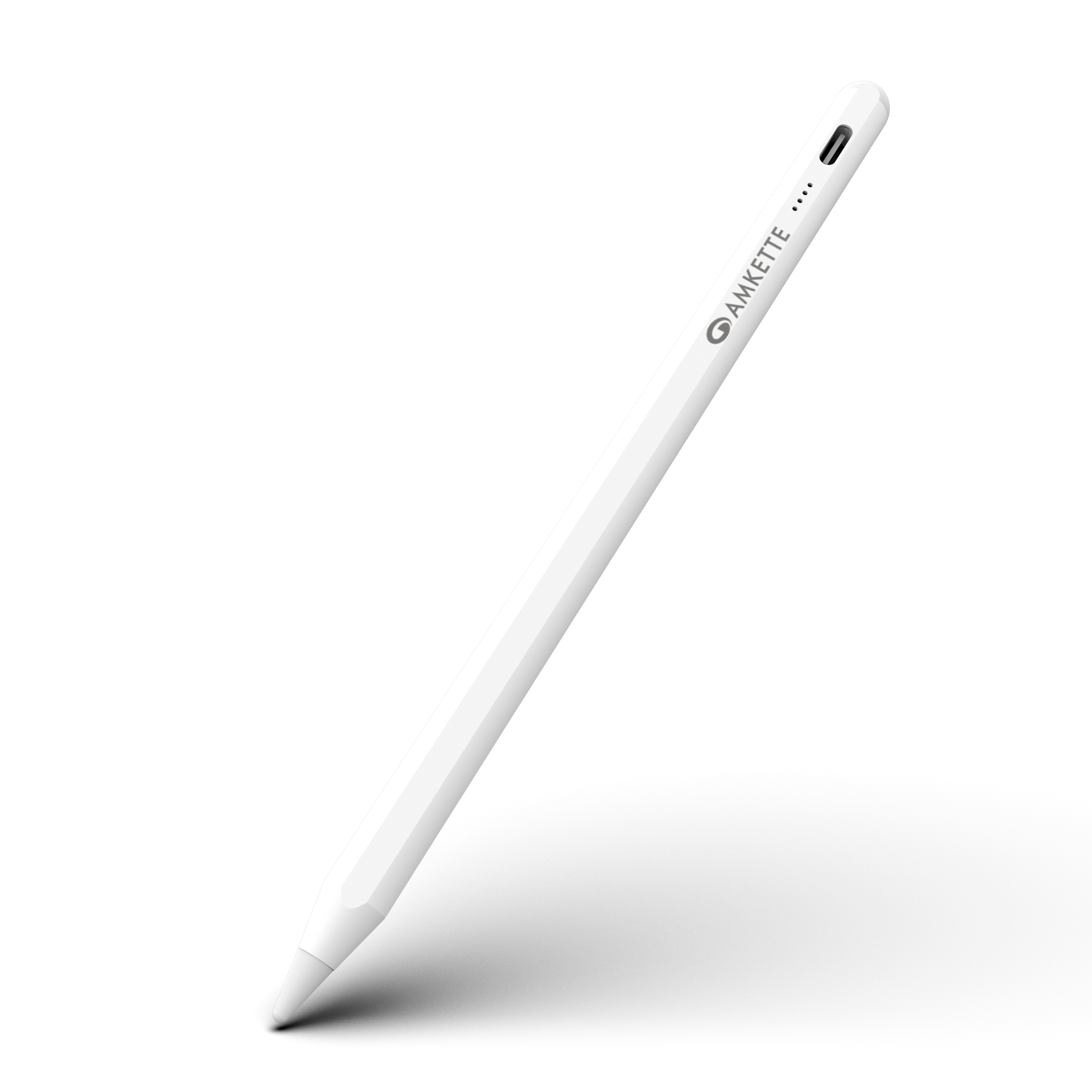
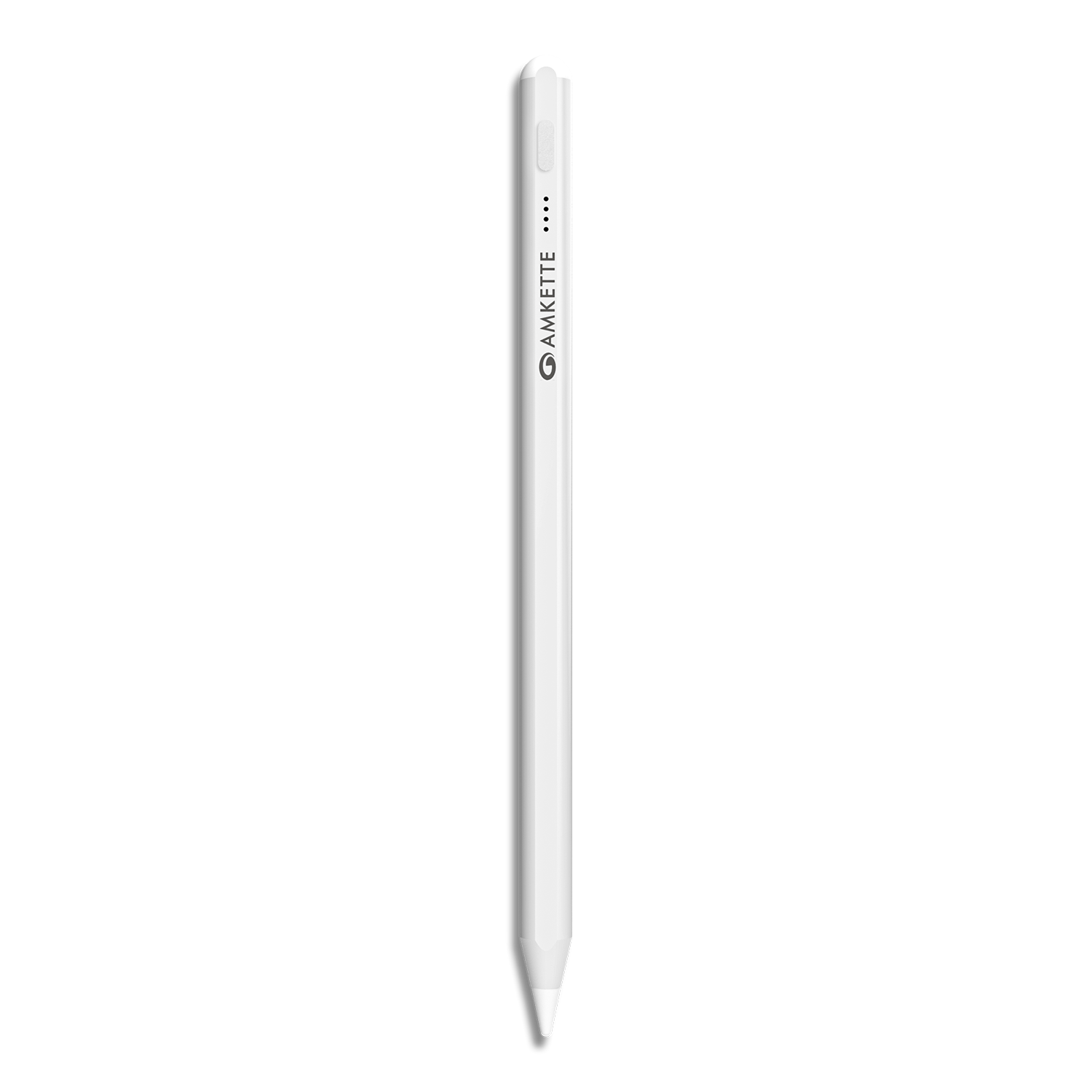
iPad Pencil Stylus

Palm Rejection Technology
Tilt Sensitivity Support
Magnetic Attachment
Regular price
Rs. 1,299.00
Sale price
Rs. 1,299.00
Regular price
Rs. 2,199.00

MRP (Inclusive of all taxes)

Tax included. Shipping calculated at checkout.
iPad Pencil Stylus
iPad Pencil Stylus

Specifications

SpecificationsDetails
MaterialAluminium Alloy
CompatibilityiPad models (2021 and later), iPadOS 12.2 and above
Pen Nib Size1.5 mm
Pen Body Diameter9 mm
Total Length166 mm
Battery Capacity90 mAh
Battery Backup (Continuous Use)Up to 4 Hours
Standby TimeUp to 90 Days
Charging PortType-C
Charging MethodUSB Type-C Cable
Power ControlDouble-Tap Touch Activation
Auto Power-Off Timer30 Minutes of Inactivity
Battery Indicator4 LED Lights (Each LED = 25% Battery)
Bluetooth SupportNot Supported (Direct Capacitive Input)
Palm RejectionSupported
Tilt SensitivitySupported
Magnetic AttachmentSupported
Product Weight13 g

  • Secure Checkout

  • Free Shipping

  • Easy Returns

  • 24x7 Support

FAQs

What's in the box?

The box contains the Amkette iPad Pencil, a Type-C Charging Cable, 3 Extra Pen Tips (1.5 mm), an Extra Charging Port Cap, and a Quick Start Guide.

Which iPad models are compatible with this stylus?

The stylus is compatible with iPad models launched in 2021 and later, running iPadOS 12.2 or above.

Does the stylus support Bluetooth?

No, it doesn’t require Bluetooth. It uses direct capacitive touch technology for instant connectivity.

How do I turn the stylus ON or OFF?

Simply double-tap the touch-sensitive area on the stylus to power it ON or OFF — no buttons required.

How long does the battery last on a full charge?

The 90mAh battery offers up to 4 hours of continuous use and up to 90 days of standby time.

How do I check the battery status?

The stylus has 4 LED indicators — each light represents 25% of the battery charge level.

Can I rest my hand on the screen while writing?

Yes, the stylus supports Palm Rejection technology, allowing you to write or draw comfortably without accidental touches.

How do I charge the stylus?

Use the included Type-C cable to charge via any standard USB power source. A full charge takes approximately 60–90 minutes.

Important Links